Interactive Images for Creators: The Ultimate Guide
Interactive images are becoming one of the most effective ways creators guide attention, increase clicks, and monetize content—without building full websites.
This guide explains what they are, why they work, and how creators use them.
What Is an Interactive Image?
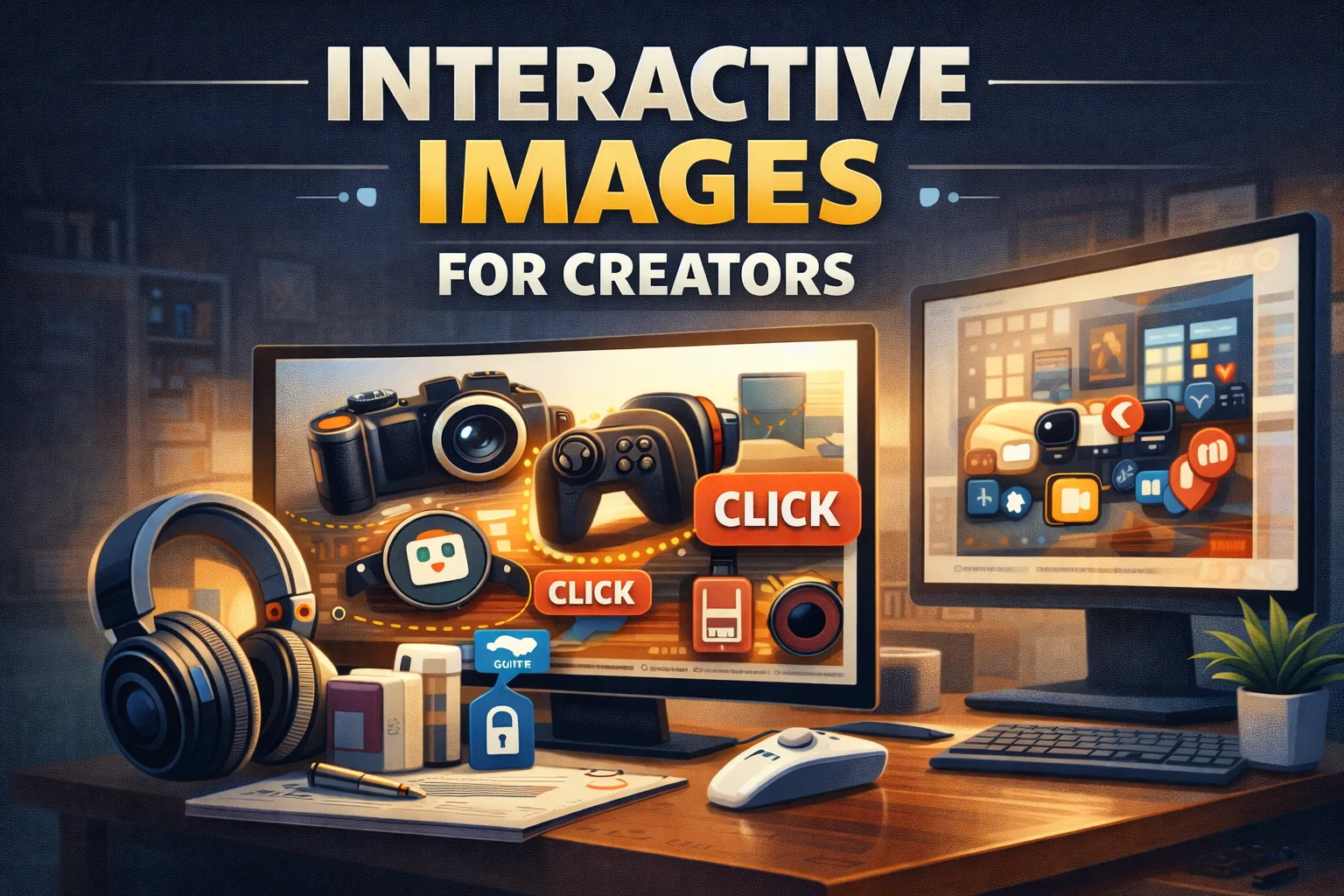
An interactive image is a visual asset with clickable hotspots that link to products, tools, or resources directly from the image itself.
Unlike banners or image maps of the past, modern interactive images are:
Mobile-first
Fast-loading
Easy to update
Why Interactive Images Work So Well
They work because:
Humans process visuals faster than text
Recognition beats reading
Visual hierarchy guides action naturally
Interactive images turn curiosity into clicks.
Common Creator Use Cases
Creators use interactive images for:
“My gear” pages
Affiliate roundups
Resource hubs
Pinterest pins
Blog content upgrades
One image can replace dozens of links.
How Creators Get Started
Choose a representative image
Add hotspots to key items
Share one link everywhere
Expand into multiple pages if needed
Free vs Pro
Free lets you publish your first interactive image.
Pro unlocks control, branding, analytics, and scale.
Conclusion
Interactive images aren’t a trend—they’re a structural improvement.
They reduce friction, increase clarity, and outperform lists.